 redict
How to use push notifications
Читать на русском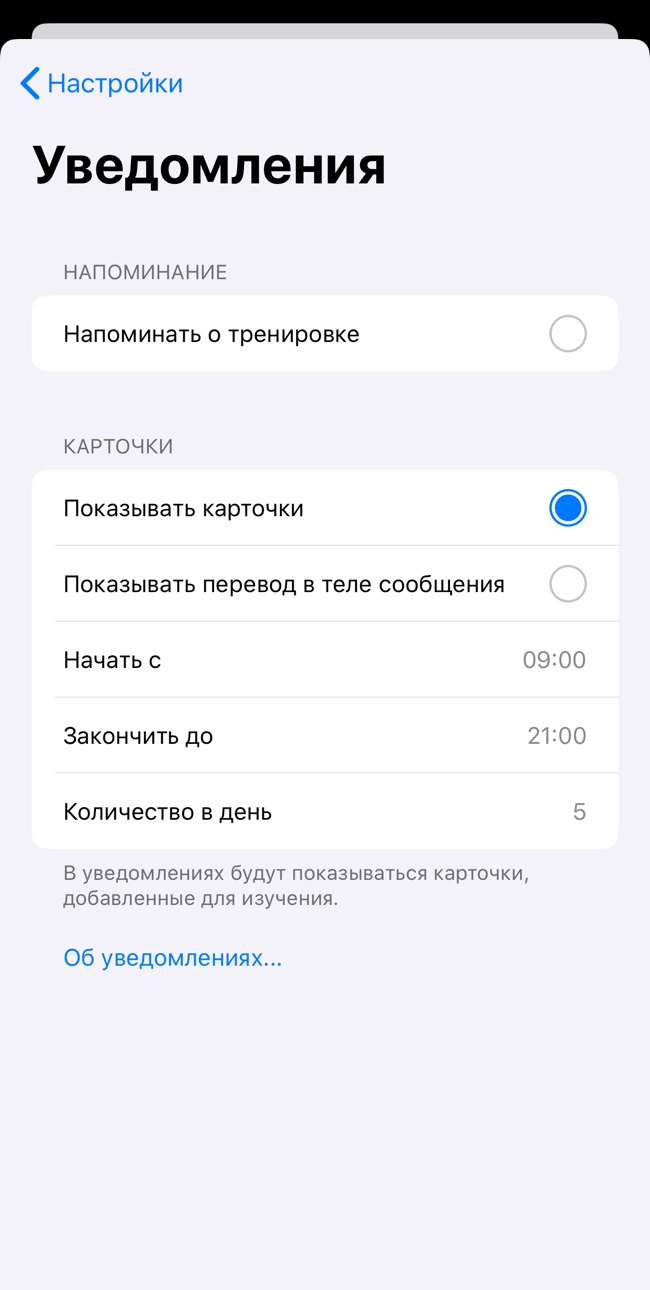
Notification settings
In order for notifications to start coming, you need to allow the application to receive notifications and turn on the "show cards" function in the application settings. If you select "show translation in message body", the message will display the word, transcription, and translation. If you disable this feature, the translation in the pop-up message will be hidden. It can be viewed by opening the message. How to do this is described below.
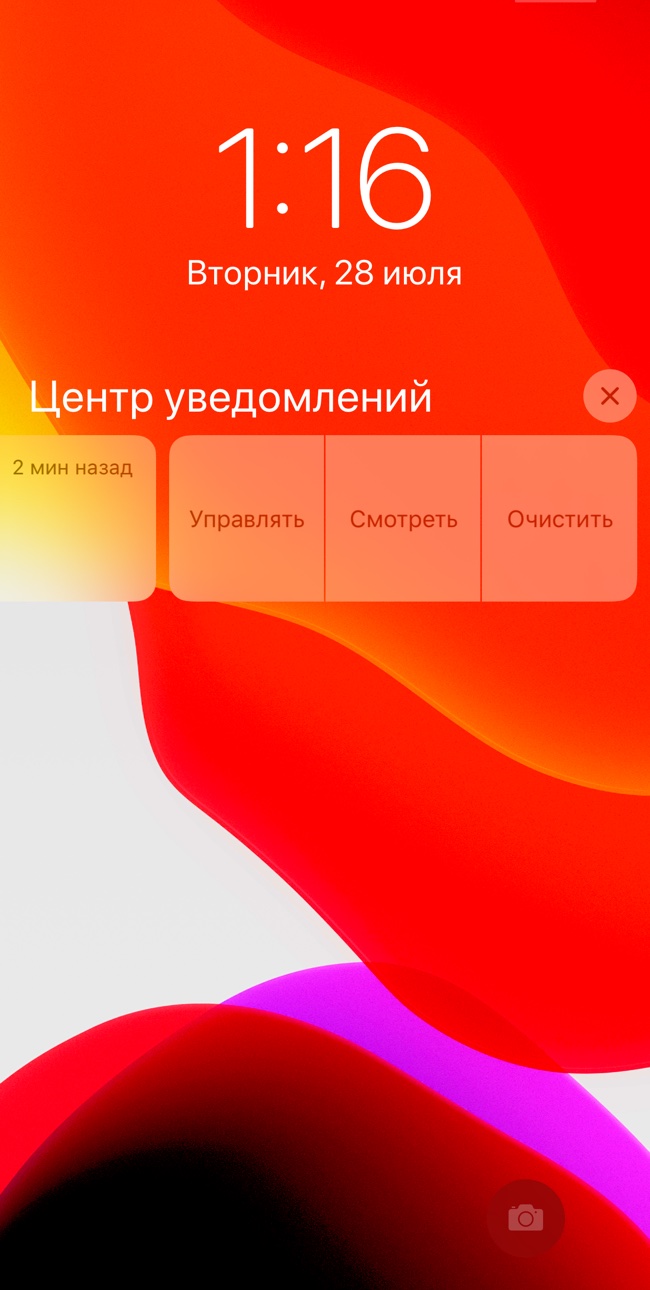
View notifications
To view the word card without opening the app, open the notification. This can be done in several ways. If you're on any screen of an unlocked device, just swipe down on the notification and it will open. If you're on the lock screen, swipe the notification to the left and select watch.
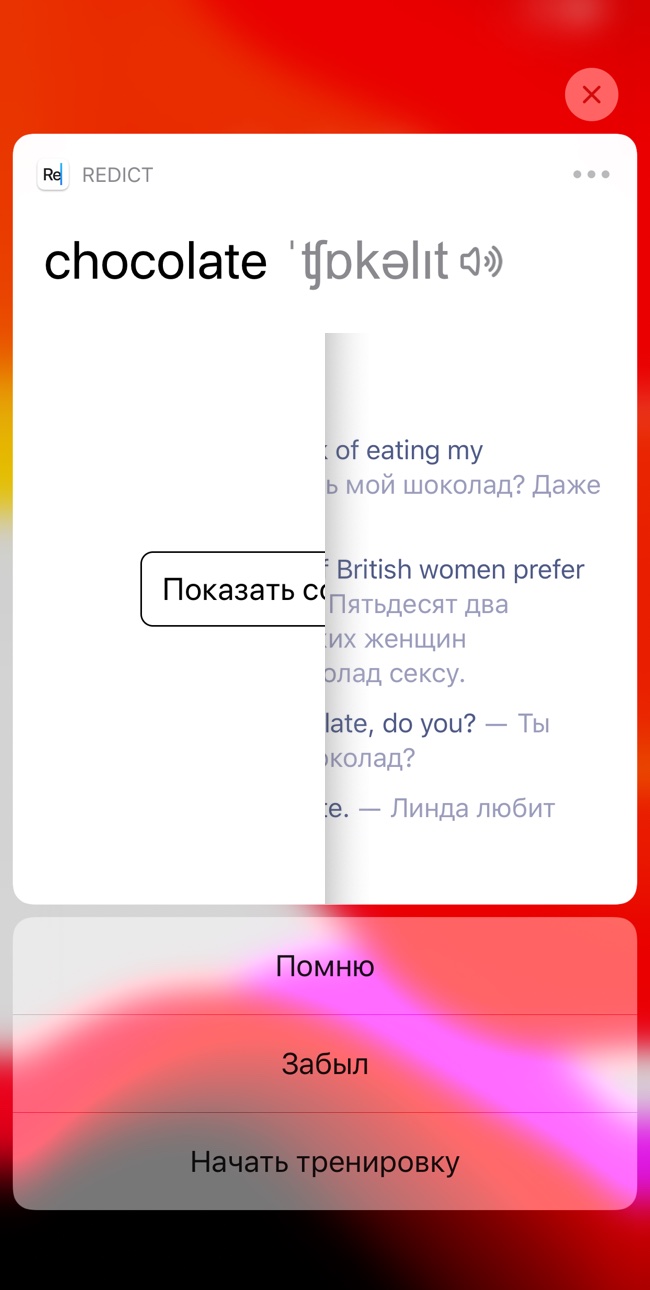
Remember or forgot?
When the card is revealed, the meaning of the word can be hidden if we have selected the corresponding function in the settings. To display the value, simply click in the center of the card. After that, you can go to one of the following actions: categorize the word as "remember", "forgot" or start practicing in the application.